1337 pwnage

xbox 360 how to

l33t pwnage
Xbox 360 how to
Xbox 360 LAN and System Link
Xbox Live xbox 360
Xbox 360 Downloads
Xbox 360 Links

There are quite a few ways you can network Xbox 360's and Xbox 1s. All Xbox and XBox 360 LANs use ethernet.

Basics

2 Xboxes

Unlimited Number of XBoxes

College and Office LAN

Buying Equipment

Halo 1 on Xbox 360

Basics

You can network as many Xbox and Xbox 360's together as you want. The number of Xbox and Xbox 360's that can play in the same game is determined by the game. Most games support 16 or more Xboxes, but older games like Halo 1 only supports up to 4 Xboxes. For example in Halo 1 you can only have up to 4 Xboxes in one game, but in Halo 2 you can have up to 16 XBoxes with 1 to 4 people on each Xbox and a total of 16 players.

On xbox and xbox 360 a LAN or Local Area Network is called System Link.

Many Xbox 1 games can also be played on Xbox 360. You can play with both Xbox 360's and Xbox 1's in the same game over the internet and system link games.

For each Xbox or Xbox 360 you need a separate TV and a separate copy the game you are going to play.

You need as many controllers as you have players in the game.

No additional software is needed to play games over LANs, you only need the games and the hardware.

You need a game that supports Xbox System Link. The games usually have something on the back that indicates it supports system link multiplayer.

Networking 2 Xboxes

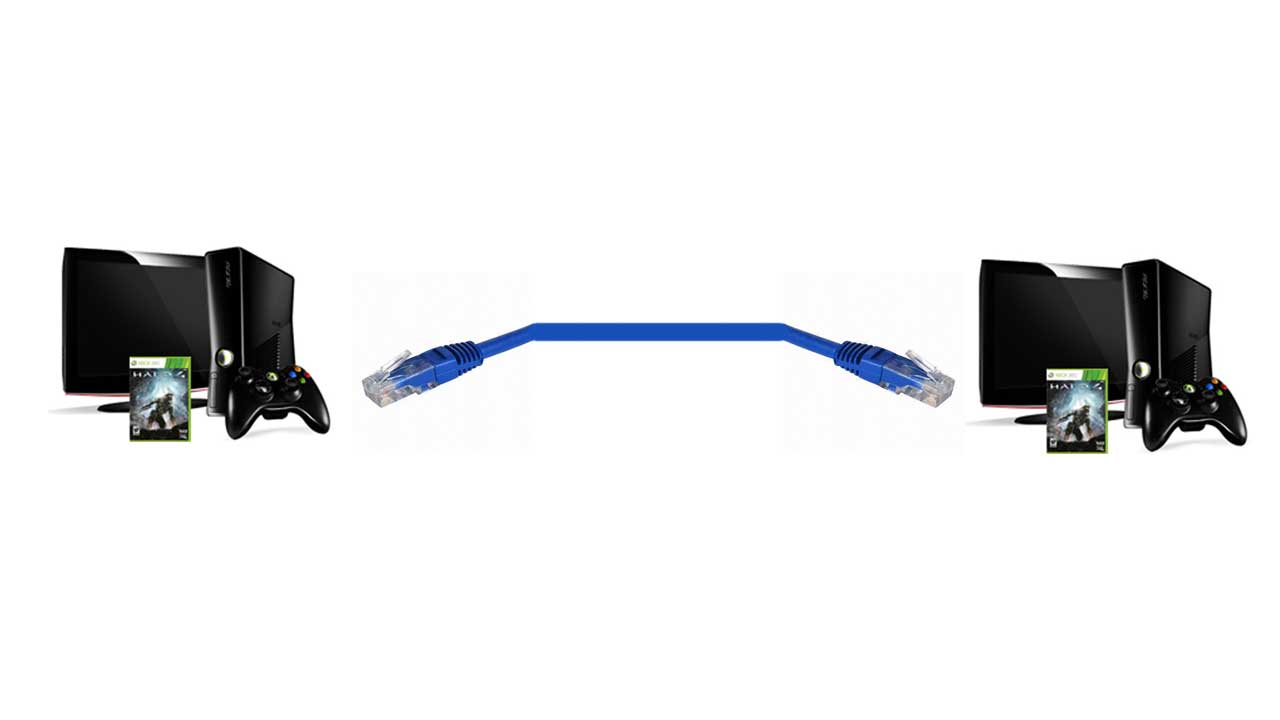
Networking 2 Xboxes or Xbox 360's is the easiest way to play system link, the downside is you can only have 2 Xboxes this way, but it is sufficient for playing 8 player halo and Perfect Dark Zero games. You can connect 2 Xbox 360's, 2 XBox 1's, or an Xbox 1 and an Xbox 360 this way.

xbox system link

The only extra thing you need to get is an Xbox System Link Cable which is actually just an ethernet cross-over cable. A lot of people think they can just use any ethernet cable and can't get it to work, most ethernet cables are patch cables, but you need a cross-over cable. You can find these at pretty much any computer store, even places like Target and Wal-Mart have them. You can use cat 5, cat 5e, cat 6, and any newer cat cables, just make sure it is a cross-over cable.

Xbox 360's have autosensing crossover detectors and you can use a regular ethernet patch cable or crossover cable to connect them together.

You can also buy a crossover adapter to connect two ethernet patch cables together which functions as a crossover cable. You can use this to connect two xboxes together.

An alternative to buying expensive cross-over cables is to make your own out of a regular patch cable. All you need to do is strip the cable then splice it and connect the cables like this:

brown/white--->brown/white
brown--->brown
blue/white--->blue/white
blue--->blue
orange/white--->green/white
orange--->green
green/white--->orange/white
green--->orange

If you want to switch it back to a patch cable here is the color coding for the ends of one:

1 white/orange
2 orange
3 white/green
4 blue
5 white/blue
6 green
7 white/brown
8 brown

1 white/green
2 green
3 white/orange
4 blue
5 white/blue
6 orange
7 white/brown
8 brown

Thanks to Chris Campbell for color coding information.

Networking an unlimited number of Xboxes

You can connect as many Xbox and Xbox 360's together as you want. It is a bit more complicated than connecting 2 xboxes together but it is easy enough for anyone to do with this guide. Xbox and Xbox 360 LAN's are setup the same way as computer LAN's. You can even include Xbox 360's and PC's on the same LAN to share your movies, music and pictures with your xbox 360.

If you have a wireless router and wireless adapters for your xboxes or xbox 360's you can play LAN or system link games like that. You can also can have some connected wirelessly and some connected with wires. Any combination will work.
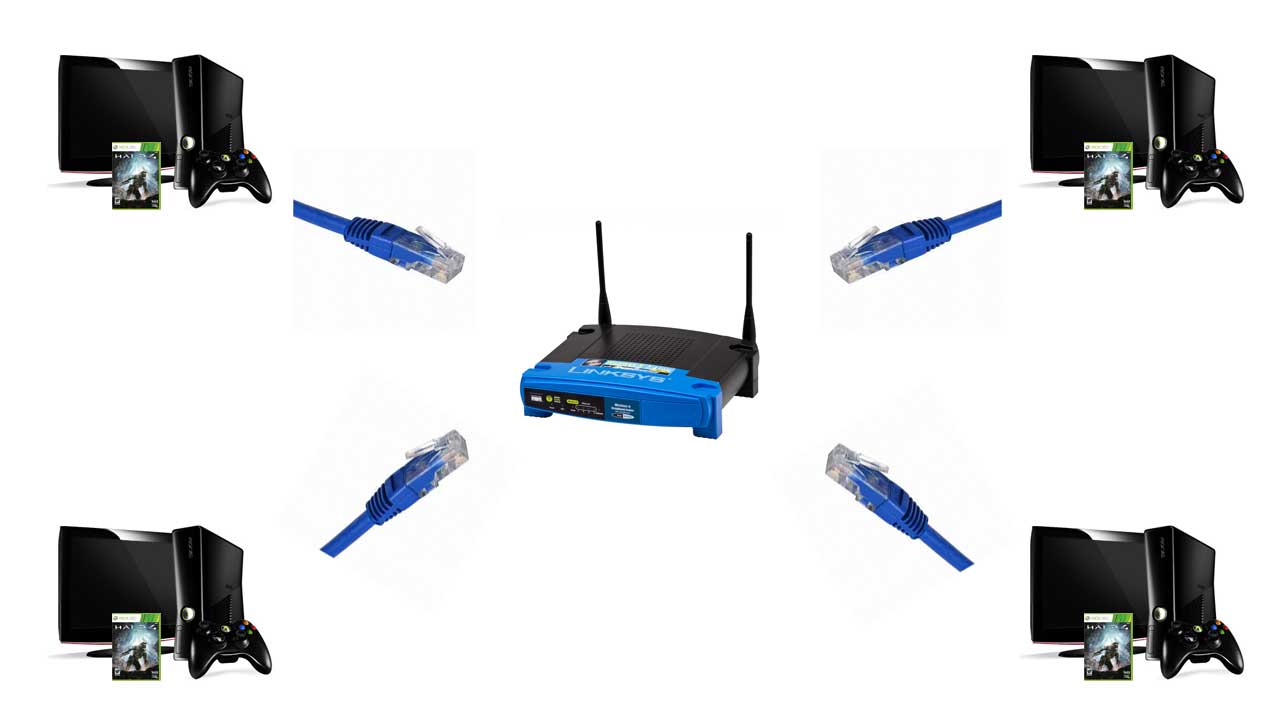
You will need a Switch or Hub to do this. You can also use a router. Switches are much better than Hubs and cost about the same. Most games won't lag even if you use a slower hub, so if you already have a hub you can just use that. You also need an ethernet patch cable for each Xbox, PC, and Xbox 360. The Xbox System Link Cable and cross-over cables will not work, except for one xbox, but I recommend not using it, because your switch needs to have an uplink port to do that. There are also hubs and switches with auto sensing uplink detection. The auto sensing feature is nice because you can plug the all of the cords into any slot and it will work.

xbox lan system link

All you need to do is connect an ethernet patch cable to a port in the switch then connect it to an Xbox or xbox 360, you do this for each Xbox and xbox 360. You can also connect computers this way. I really don't need to explain this any more, just look at the picture above, you can click on it for a bigger picture. If you have more ethernet ports on your switch you can hook more machines up to it. For Halo 1 you can only have up to 4 xboxes in the same game, but with Halo 2 you can have up to 16. For some xbox 360 games such as Perfect Dark Zero you can have up to 32 players and xbox 360's in the same game or more. If you only have a 4 port switch but want to connect more xboxes don't worry, you can connect switches together to form an even bigger system link network which is explained further down the page.

Your switch does not have to have 5 ports like the one in the picture, it can have any number of ports. Just make sure you do not hook any of the xboxes up to the uplink port if your switch has one, you can use the uplink port with an xbox system link cable or cross-over cable like in this picture though.

system link switch hub

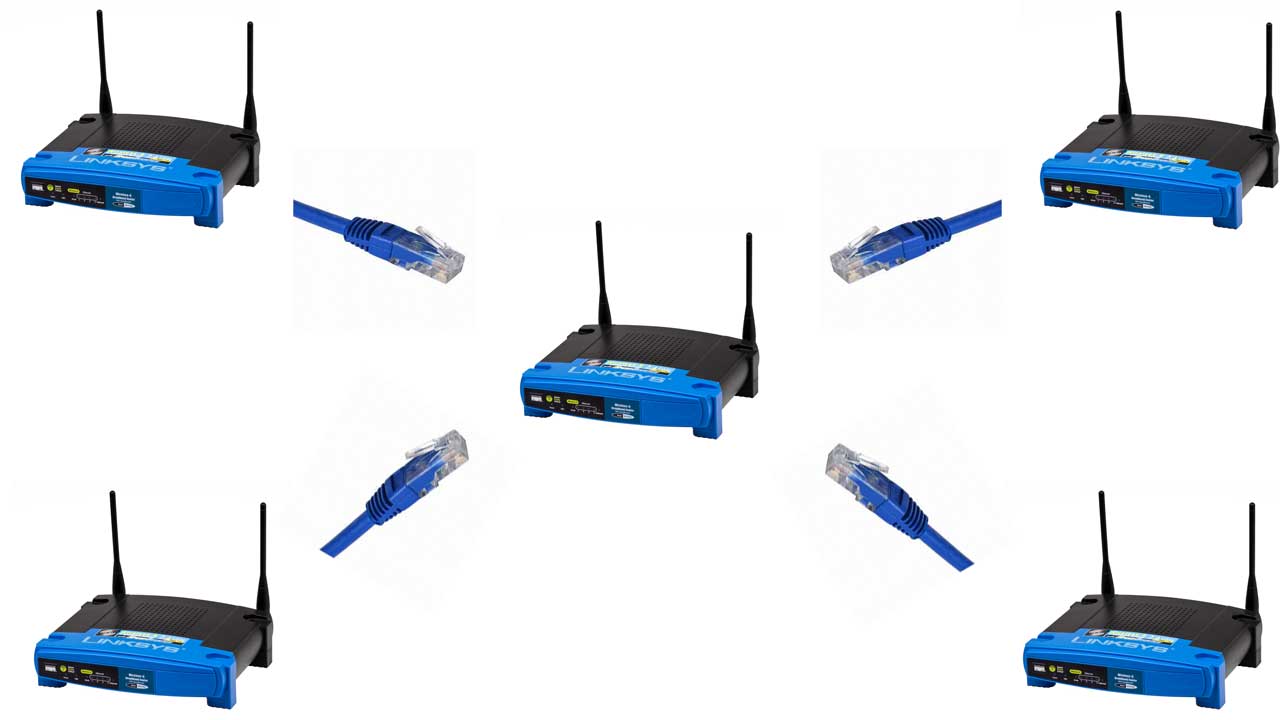
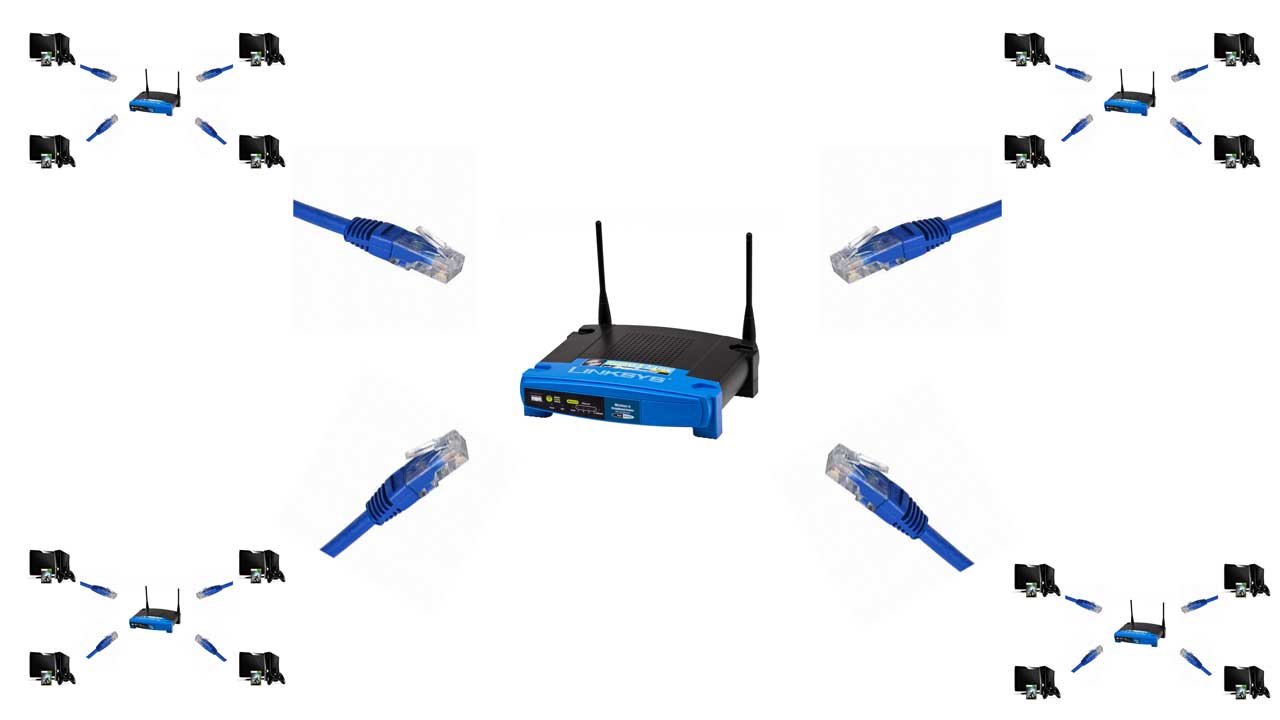
You can also link a switch or hub to another switch or hub with each switch or hub having XBoxes hooked up to it, this can be useful if you have more than one switch and have more XBoxes than ports on a single switch.

The one on the left shows how to connect 2 switches together. The picture on the right shows the daisy chain method of connecting as many switches and hubs together as you want.

xbox system link lan setupxbox lan setup

Here are a few more Xbox LAN setup diagrams.

xbox 360 system link diagram xbox lan diagram uplink

The diagram on the left is the most efficient way to network. It shouldn't matter too much though unless you have a huge PC LAN with people downloading tons of files from each other.

Playing over a college LAN or office LAN

For buildings that have a built in networks it is possible to play Xbox 360 and Xbox 1 LAN games. If there are ethernet ports built in to the wall, like in a college dorm or office building all you have to do is hook your xbox or xbox 360 up to this with an ethernet patch cable. Then you just create a game on one xbox and the other people should be able to see and join the games. If it doesn't work you may need to register your xbox with college. Just contact your helpdesk to do that. If they say they do not register consoles there is a way to get around it wich is on the internet setup page.

Buying Equipment

For most LANs you will be wanting a hub or a switch. A switch is better than a hub, but you should be okay with either one when playing games. The only differences there will be between different brands of switches is auto sensing ports. Most switches in stores are auto sensing now. If you plan on hooking many switches together it would be a good idea to get an auto sensing port, so you don't need to worry about using cross-over cables when connecting them. All brands perform the same, I have many different brands and have never noticed lag, so just buy the cheapest switch or hub you can.

Most ethernet cables perform the same too. So just look for the cheapest ones you can find. The only thing you will need to look at is the length of the cable. Just make sure you get a patch cable if that is what you are looking for, cross-over cables are not nearly as popular and you will usually have to pay a little more for them. You may also want to buy different colors of cables so it is easier to tell what cord goes where. There are different speeds of cables, like cat 5 and cat 6, but you will not have lag with any cable. The difference between the different cables is not enough to be able to see a difference unless you are transferring files over a gigabit network. The Xbox network operates at 100 megabits. Cat 5e and 6 can be used for gigabit networks. You will be fine using cat 5 cables for all of your networking.

Halo: Combat Evolved on Xbox 360

You can play Halo 1 system link games on xbox 360 against other xbox 360 users and xbox 1 users. However, if you have an alternate mac address enabled on your xbox 360 it can cause problems and you may not be able to play. So if you are having problems you may have to clear the mac address back to the default. If you need to have an alternate mac address for registering purposes you may be out of luck for Halo 1 system link games. Halo 2 works fine with or without an alternate mac address and I haven't heard of any problems with other games.

get more help in the forums

This site is best viewed with Opera or Firefox web browsers.